Find broken links and missing images before your visitors do
A small business site collects broken links quietly. A supplier changes their website. An old blog post links to a page you renamed. An image gets deleted from the media library while it’s still used in a post from 2023. Nobody tells you. Visitors just leave.
What gets checked
ToggleWP’s content checks look at your published pages for:
- broken links, both to other sites and to your own pages
- missing images, where a page still points at an image that’s gone
- SEO problems, such as missing titles and descriptions
The single site plan includes 50 page checks a month, enough to cover a typical small site’s key pages and recent posts.
Check before you delete an image
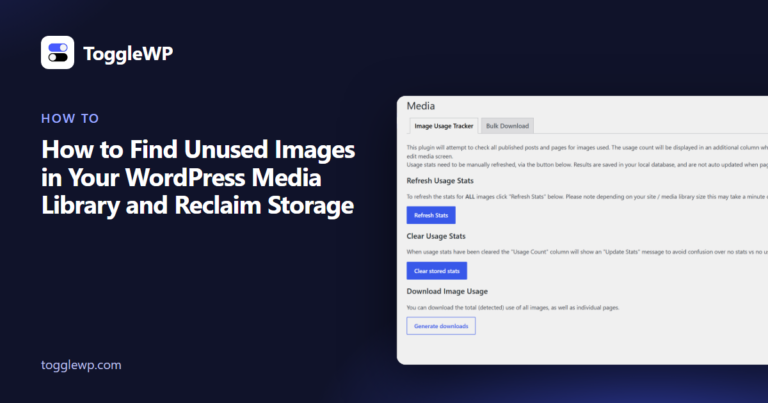
Many missing images start in the media library. ToggleWP’s media tools show where each image is used, so you can check before you replace or delete it.
Catch problems as you publish
With review on publish, each new or updated post gets an AI review emailed to you, with a score, a summary and suggestions. It’s a useful habit check: did I add a description, are the headings sensible, does this read well? See Write blog posts in your own voice for how the reviews and Fix with AI work.
A once-a-month habit
Look at the results, fix the broken links (or remove them), replace missing images, and move on. Ten minutes a month keeps an older site feeling looked after.
For agencies doing this across many sites, see Content health check: branded site audits.