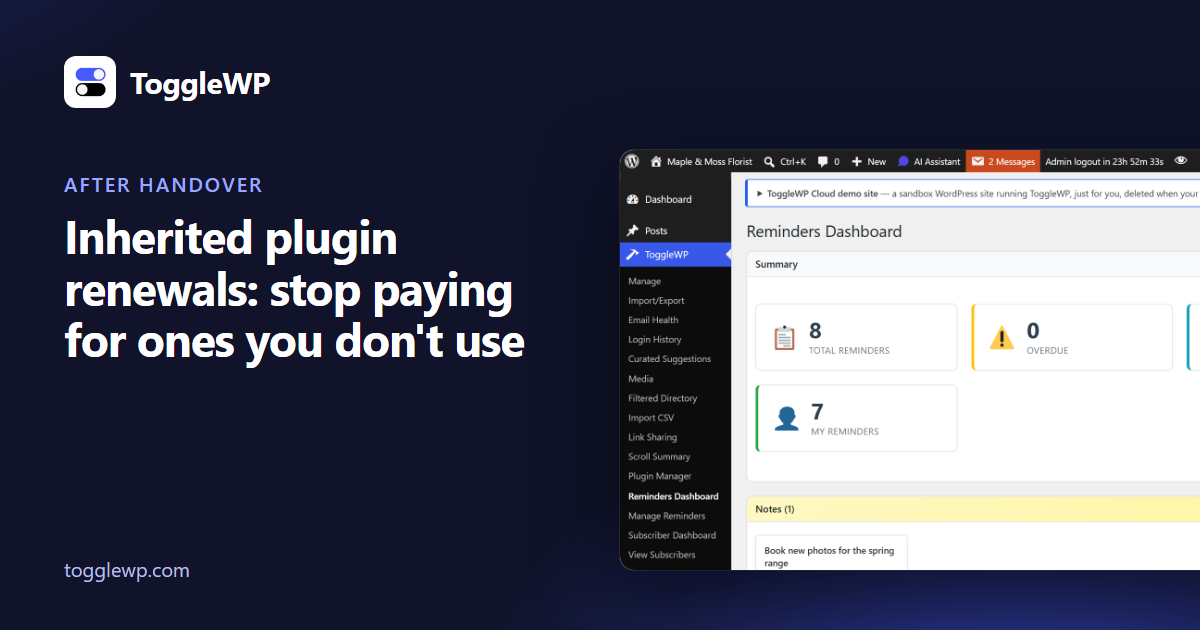
Inherited plugin renewals: what each one is for, and how to stop paying for ones you don’t use
A charge appears on your card for $79 from a company you don’t recognise. After some digging, it’s the annual renewal for a plugin your freelancer installed for a feature you stopped using last spring.
When a site changes hands, its subscriptions come with it: premium plugins, the theme, a forms add-on, a backup service, the mail service, the domain and hosting. Nobody owns the list, so nobody notices until the money goes.
Make the list once
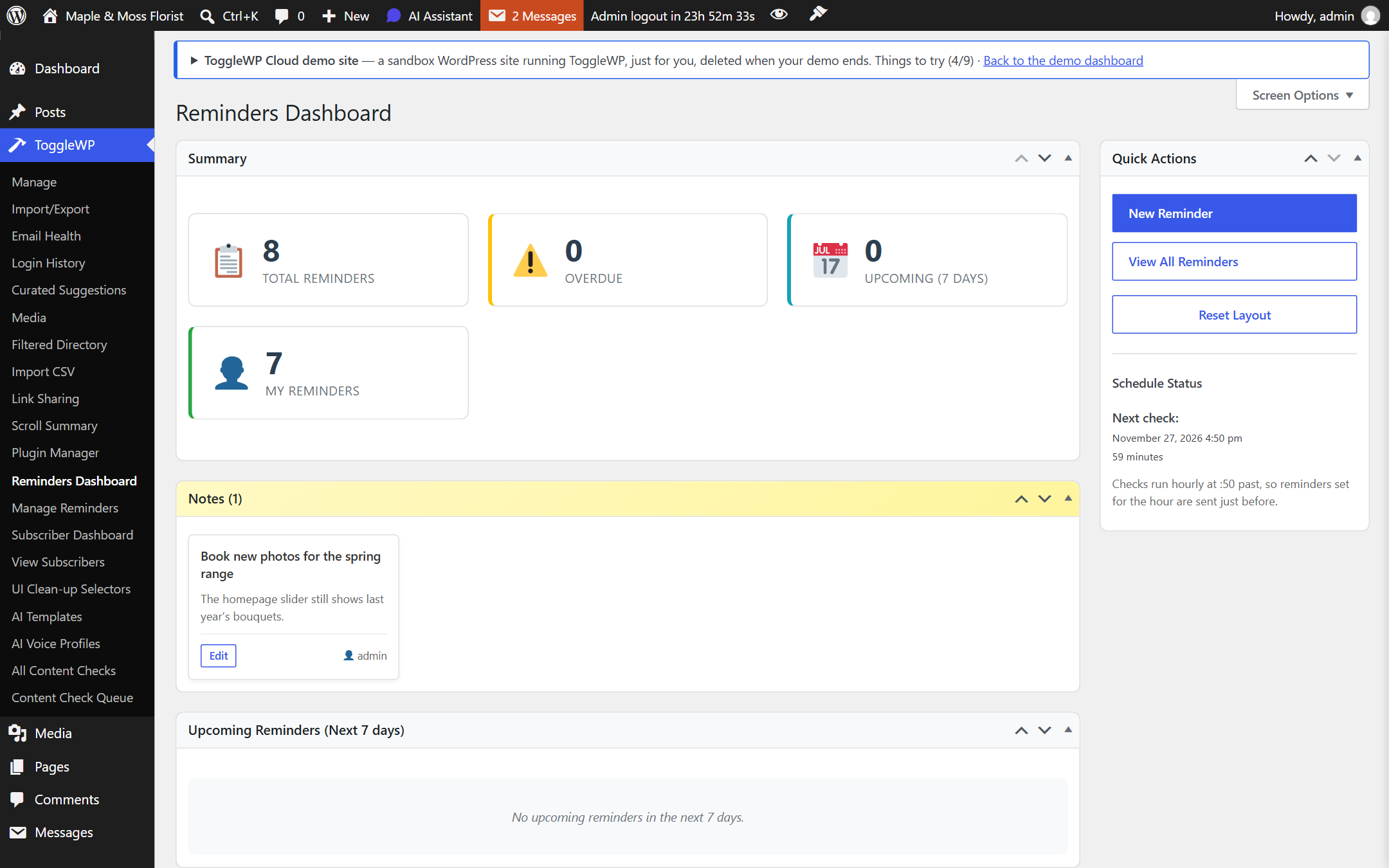
Ask your freelancer for every paid product on the site with its renewal date, price and what it does (see the handover checklist). Then put it in ToggleWP’s Reminders module, which is built for exactly this.
For each renewal you record the date, the cost, and the plugin it belongs to. ToggleWP emails you a set number of days before it’s due, so you have time to decide.
Renew or cancel in one click
When a renewal comes up you have two choices:
- Mark as renewed. ToggleWP creates next year’s reminder for you.
- Cancel. The reminder is closed and you have a record of when you stopped.
The dashboard widget shows overdue renewals, pinned notes and the next 90 days at a glance.
Delete a plugin, get a cancellation nudge
This is the step people miss. You delete a plugin, but the subscription carries on renewing. If a plugin has a renewal reminder and you delete it, ToggleWP sends you a cancellation notice, a prompt to go and cancel the licence before you’re charged again.
Not just plugins
Reminders works for anything with a date: domain renewal, SSL certificates, hosting, a quarterly content review, or “ask the freelancer about the booking form”. ToggleWP’s own Cloud Care renewal is added automatically on single site and lifetime plans, so that doesn’t surprise you either.
Do you still need it?
While you’re making the list, ask what each paid plugin does. Some will be essential. Some will be leftovers from a feature you removed. Some may overlap with ToggleWP modules you already have, such as login monitoring, email logging, newsletter sign-ups, media tools or scroll tracking. One less renewal is money back every year.
Related: the agency version of this post.