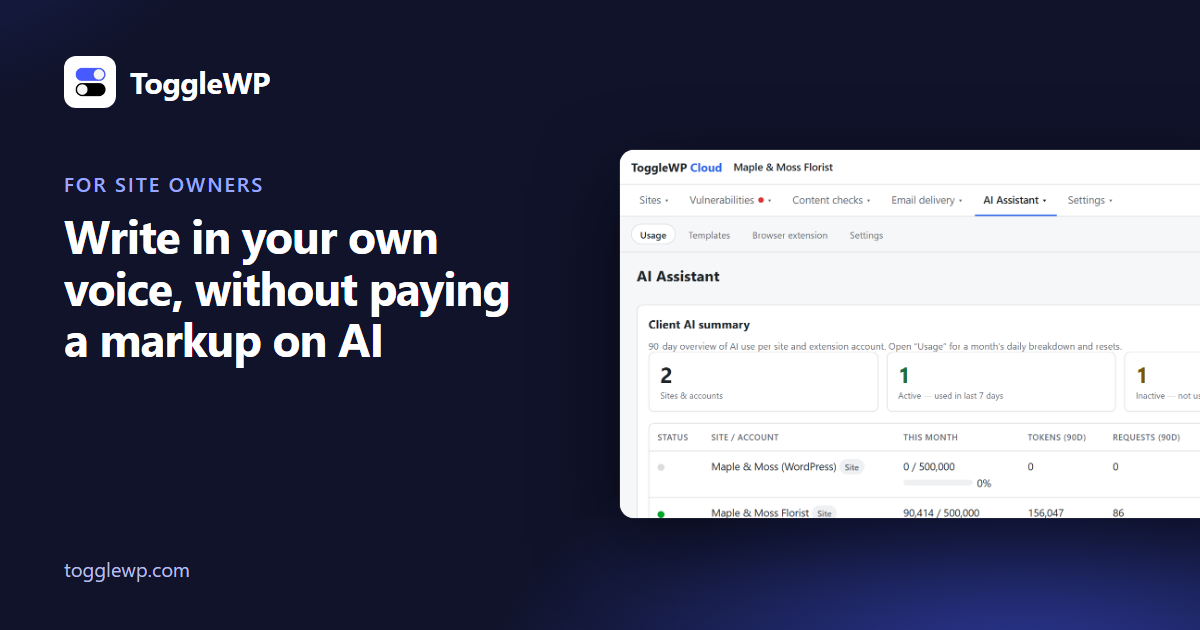
Write blog posts in your own voice, without paying a markup on AI
You know you should post more often. You also know what generic AI writing sounds like, and you don’t want your site to sound like that. ToggleWP’s AI Assistant sits in the WordPress editor and is built for people writing for their own site.
It learns how you write
Voice profiles capture your writing style, rhythm and vocabulary from your existing content. Drafts and rewrites come back sounding like you, not like a press release. You can also set brand context such as your business name, audience, tone and the words you always (or never) use.
Help where you’re already writing
The assistant works in the block editor, the Classic Editor and the major page builders, so there’s no copying between tabs.
- Templates give you a starting point for a blog post, product page or service page. Each has a notes field to tell the AI what you want: “keep it under 600 words”, “mention we’re closed in August”.
- Rewrite & Improve. Paste in a paragraph, choose a goal such as clearer or more persuasive, and get a better version with an explanation of what changed.
- Chat mode lets you talk an idea through and build a long post as a conversation.
- Page reviews score a page and list issues and suggestions. Fix with AI opens Rewrite & Improve with that advice already filled in.
Your key, your costs, no markup
You use your own OpenAI or Anthropic API key, kept in your ToggleWP Cloud account rather than on your site. You pay the provider directly for what you use, with no markup from us. You set daily and monthly limits, so a long session can’t run up a surprise bill.

A second pair of eyes when you publish
Turn on review on publish, and each time you publish or update a post, a review lands in your inbox: an overall score, a plain-English summary and a section-by-section list of issues and suggestions. Each section has a Fix in editor link. A cooldown (30 minutes by default) means tidying a typo doesn’t trigger another review.
Still your words
The assistant is there to get you past the blank page and to tidy what you’ve written. What you publish is your call. Most people find they write more, not less, once the first draft isn’t the hard part.
The AI Assistant is included in the single site plan. Bring your own key.