
How to send internal messages to your WordPress team without switching to Slack
Not every internal message needs to leave WordPress. Update requests, content feedback, reminders for contributors – for teams that live in the WordPress admin, a messaging system built in is often more practical than switching context to another app.
ToggleWP’s Messaging module adds an inbox experience to WordPress.
What it includes
- Inbox, Sent, Drafts, Archived tabs – a familiar email-style layout
- Reply support with auto-quoted original message
- Priority / Urgent flagging for messages that need attention
- Message search across all folders
- Admin bar notification badge with unread count
- Dashboard widget showing unread and urgent counts at a glance
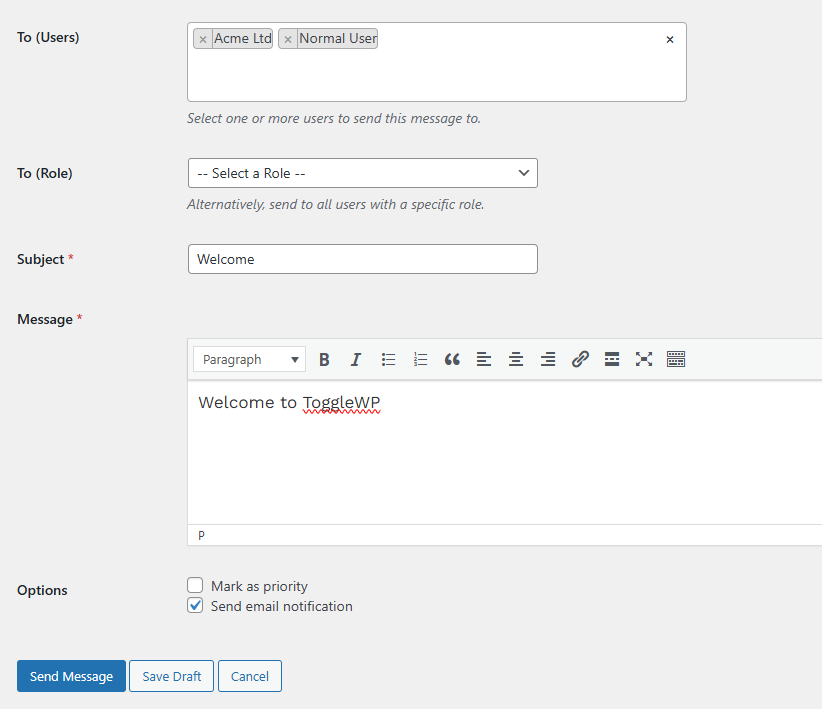
Sending to roles, not just users
Messages can be sent to all users of a given role – useful for announcements to all editors, all contributors, or all admins without constructing a recipient list manually.
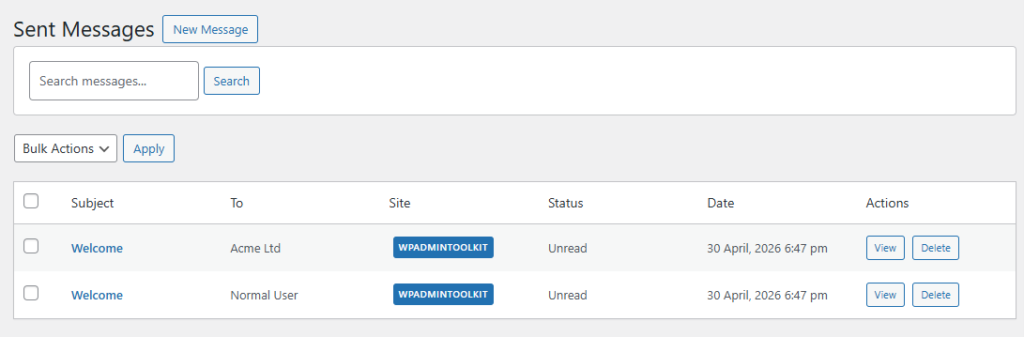
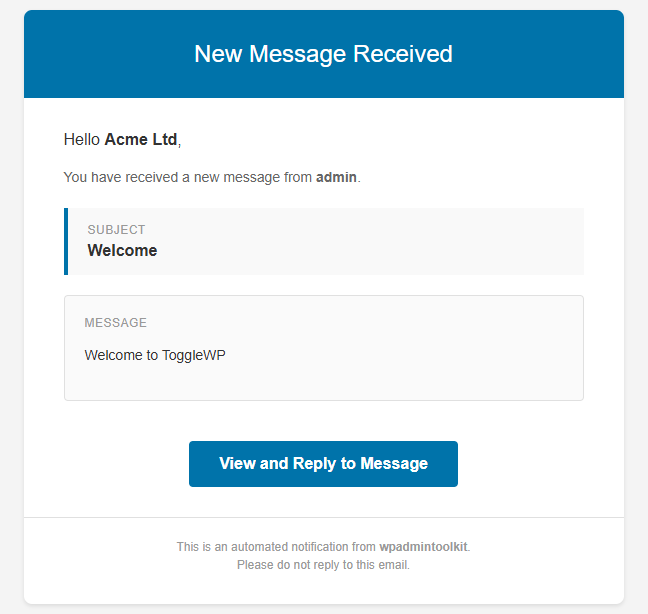
Optional email notifications
Each message can trigger an email notification to the recipient – so messages aren’t missed by team members who don’t check the admin frequently.
Multisite support
Messaging includes a Network Admin menu for multisite installs, so messages can be sent across network sites from a central location.
When it’s useful
- Leaving quick feedback for contributors without using email
- Flagging urgent tasks when someone logs in
- Internal announcements to all editors
- Passing handover notes between team members working on the same site
It’s not a Slack replacement for large teams with complex workflows. But for small teams managing a WordPress site together, keeping communication in the same interface can reduce friction considerably.