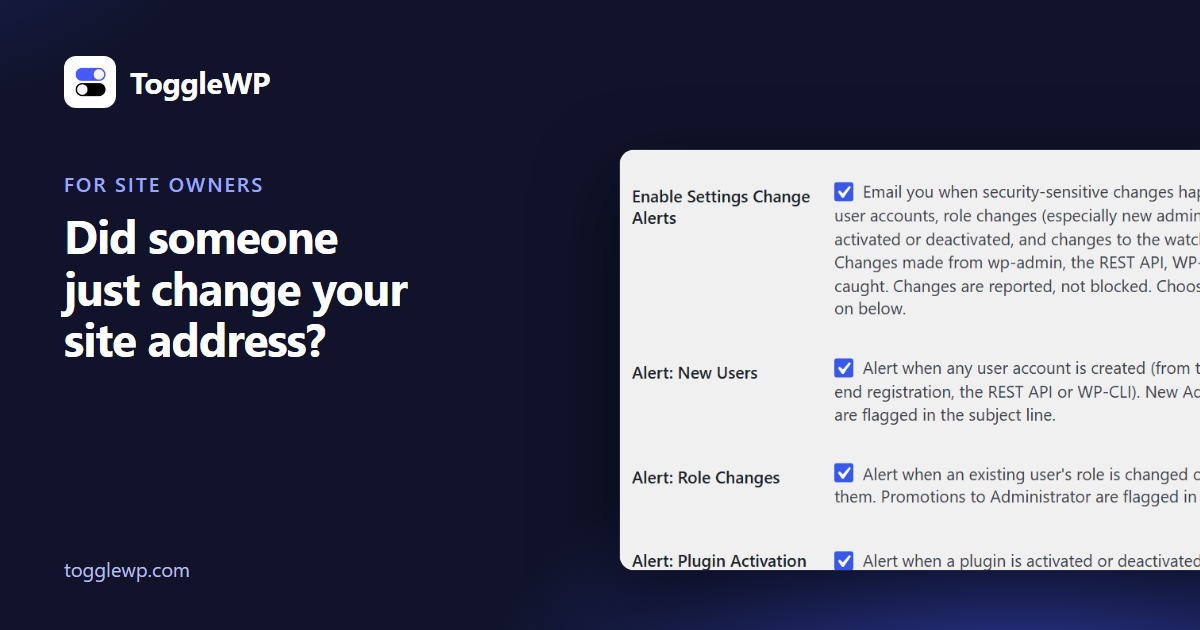
Did someone just change your site address?
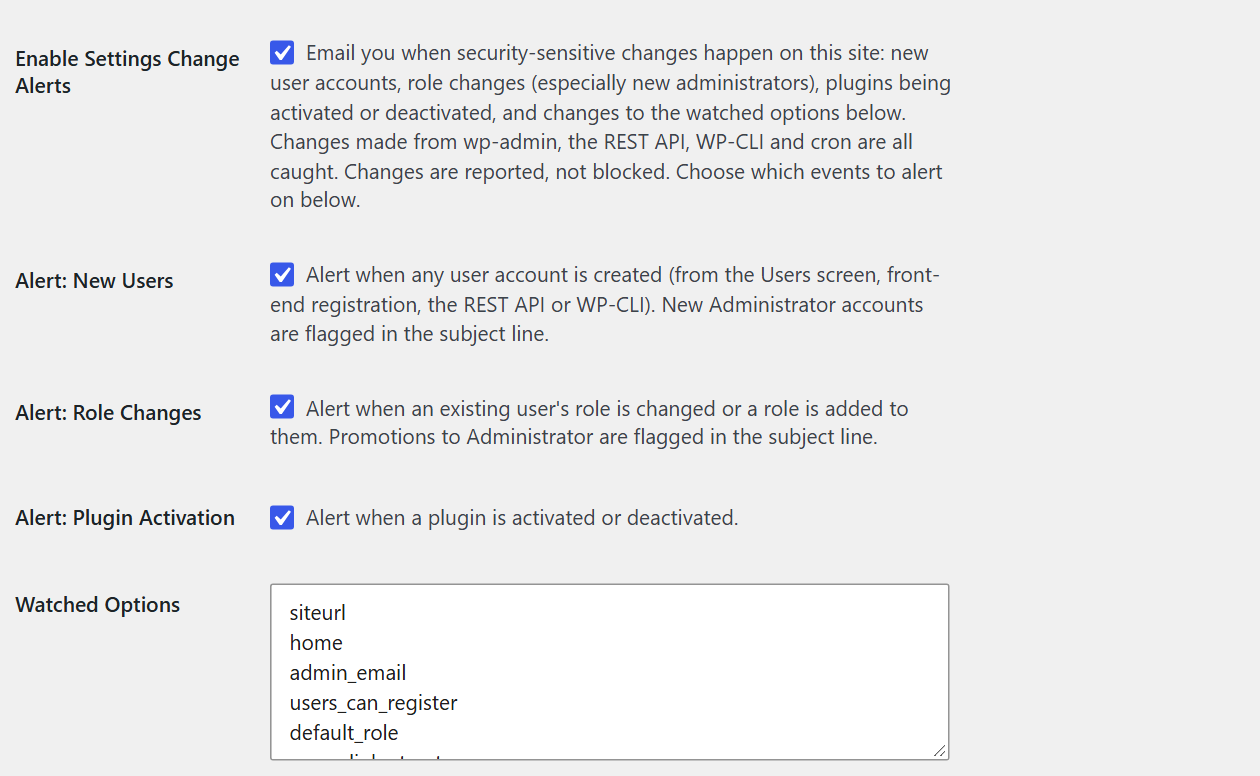
Some WordPress settings are quiet and harmless. Others can take a site offline, or hand it to someone else, with one change. ToggleWP’s Settings Change Alerts email you when those change, saying what changed. The changes aren’t blocked, just reported, so nothing gets in your way. You simply hear about it.
Here’s what each alert means and what to do if you didn’t make the change.
Site address (siteurl and home)
What it does: tells WordPress where your site lives.
Why it matters: change it to the wrong value and the site redirects somewhere else or stops loading. It’s a common target when a site is hijacked.
If it wasn’t you: check with anyone else who has an admin login. If nobody did it, treat it as a security incident: change admin passwords, check Users for new accounts, and contact your host.
Administration Email Address (admin_email)
What it does: where WordPress sends password resets and security notices.
Why it matters: if an attacker changes it to their address, they get your security emails and can reset passwords.
If it wasn’t you: change it back straight away and change admin passwords.
Anyone can register, and new user default role
What it does: controls whether visitors can create accounts, and what role they get.
Why it matters: open registration with a default role of Administrator is a classic way in.
If it wasn’t you: switch registration off unless you need it, and check Users for new accounts.
Permalinks and timezone
Why it matters: a permalink change can break every link to your site from Google and social media. A timezone change shifts scheduled posts.
New users, role changes and plugins
Settings Change Alerts can also email you when a user account is created, when someone’s role changes (new administrators are flagged in the subject line), and when a plugin is activated or deactivated. Changes made from the dashboard, the REST API, WP-CLI and scheduled tasks are all caught.
Who gets the alerts
They go to the Administration Email Address unless you choose another. If you’ve just taken over a site, check that’s you. See the handover checklist.