Bringing your freelancer back for one job, safely
Six months after handover you need a new booking form, or a fix after an update. Your freelancer is happy to help. The easy way is to send them your password. Please don’t.
Here’s a safer way that takes five minutes and leaves no loose ends.
Before: give them their own login
Create a user for them with their own email address. If the job is content or layout only, Editor may be enough. If they need to install or update plugins, give them Administrator for the duration of the job.

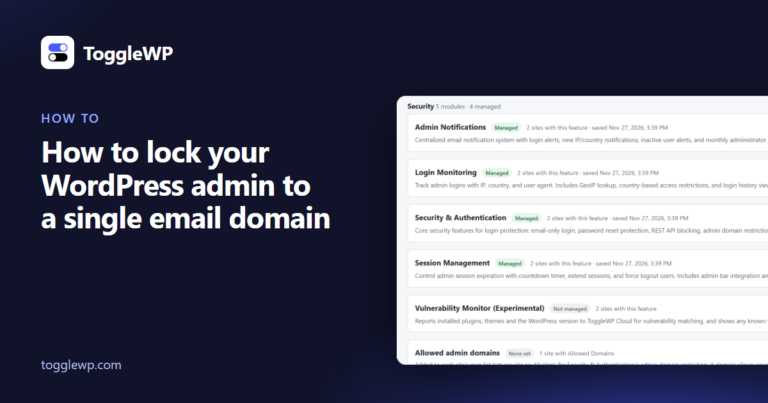
If you’ve set Allowed Admin Email Domains in ToggleWP, add their full email address to the list first. A domain line allows anyone at that domain, so a single address is tighter.
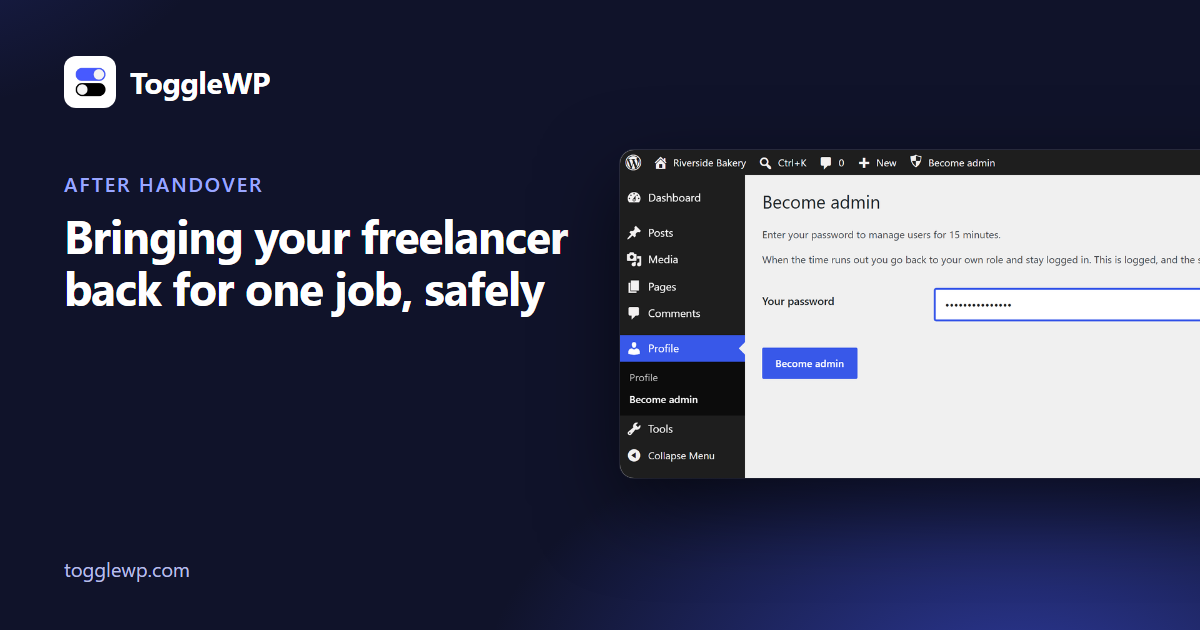
If you’d rather they stayed an Editor, Temporary Admin lets you tick “Allow temporary admin” on their profile. They click Become admin, re-enter their password, and get extra rights for a set time.
During: you can see what happened
- Login Monitoring logs each of their logins with IP address and country.
- Settings Change Alerts email you if a user is created, a role changes or a plugin is activated or deactivated.
- If they used Temporary Admin, the elevation log shows what they changed while elevated.
After: take it away again
- Remove their account, or downgrade it to Subscriber if you’d like to keep their history attached.
- In Session Management, sign them out of every device so any open session ends straight away.
- Remove their address from Allowed Admin Email Domains.
- Look at the Login History once more to check there’s nothing unexpected.
Why bother?
Because the alternative is a shared password that lives in an email thread forever, or an admin account nobody remembers creating. Who still has a login to your site? explains why those are worth avoiding.