
How to add a newsletter signup popup that doesn’t annoy visitors or attract bots
Newsletter popups have a bad reputation because most implementations are aggressive: they fire immediately on page load, appear on every visit, and get in the way. ToggleWP’s Newsletter Subscribers module takes a lighter approach.
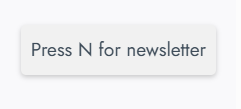
How the popup triggers
The popup is triggered either:
- Automatically – after a configurable delay, not immediately on load
- Via keyboard – pressing the S key (default) opens the popup, so visitors who want to subscribe can reach it without hunting for a signup form
The keyboard trigger means you can run a low-friction version where the popup only appears for visitors who actively want it.
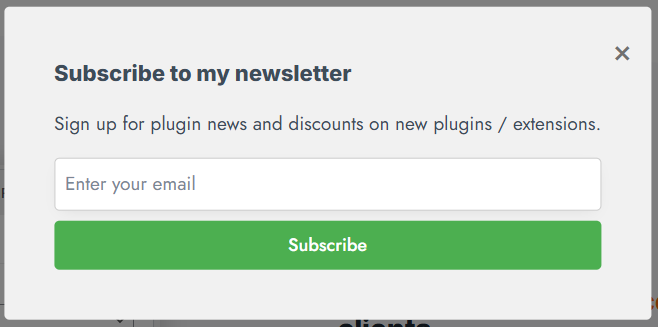
Bot protection
A honeypot field is included – invisible to humans, but typically filled in by bots. Bot submissions are discarded before they reach your subscriber list or your webhook.
Connecting to your email provider
Newsletter Subscribers uses webhook integration rather than native API connections. This means it works with any email provider that accepts webhooks or form submissions: Mailchimp, ConvertKit, ActiveCampaign, Kit, MailerLite, Brevo, and others.
Configure the webhook URL in settings and subscriber data is forwarded on signup.
Managing subscribers
A subscriber dashboard in the admin lets you:
- View all subscribers
- Manually add or remove entries
- Export the full list as CSV
An activity log records sign-ups, unsubscribes, and webhook delivery status – useful for troubleshooting if a provider connection breaks.
Customising the popup
The headline, description, trigger key and button text are all configurable. No code required.
A signup popup that respects visitors’ attention tends to convert better than one that forces itself. Newsletter Subscribers gives you enough control to find the right balance for your audience.