Hand over a site, not a liability: the safeguards worth leaving behind
This one’s for freelancers and small studios.
You’ve built a good site. On handover day you give the client the logins, a short walkthrough and a PDF. Six months later they’ve switched off the forms plugin, installed three page builders and made their nephew an Administrator, and the phone call starts with “the website’s broken”.
The answer isn’t to keep the keys. It’s to hand over a site that’s hard to break by accident, and to explain the safeguards so they feel like protection, not restriction.
The safeguards
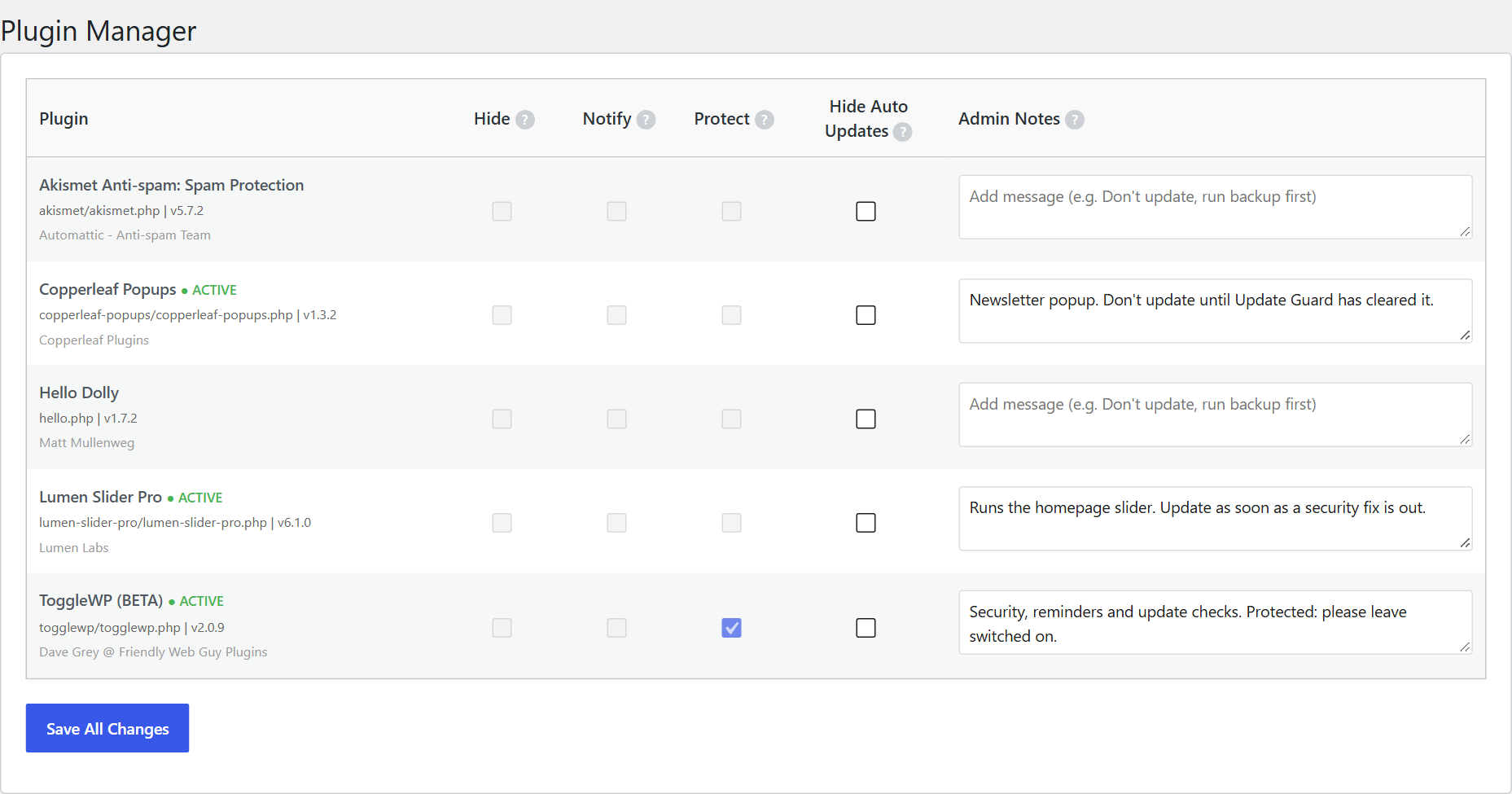
- Protected plugins and pages. Site Lockdown stops key plugins being deactivated or deleted, can lock the web address and template of important pages, switches off the file editor and blocks plugin uploads from zip files.
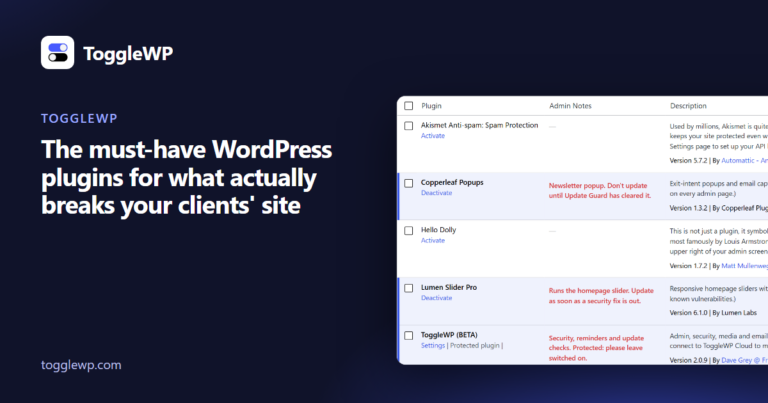
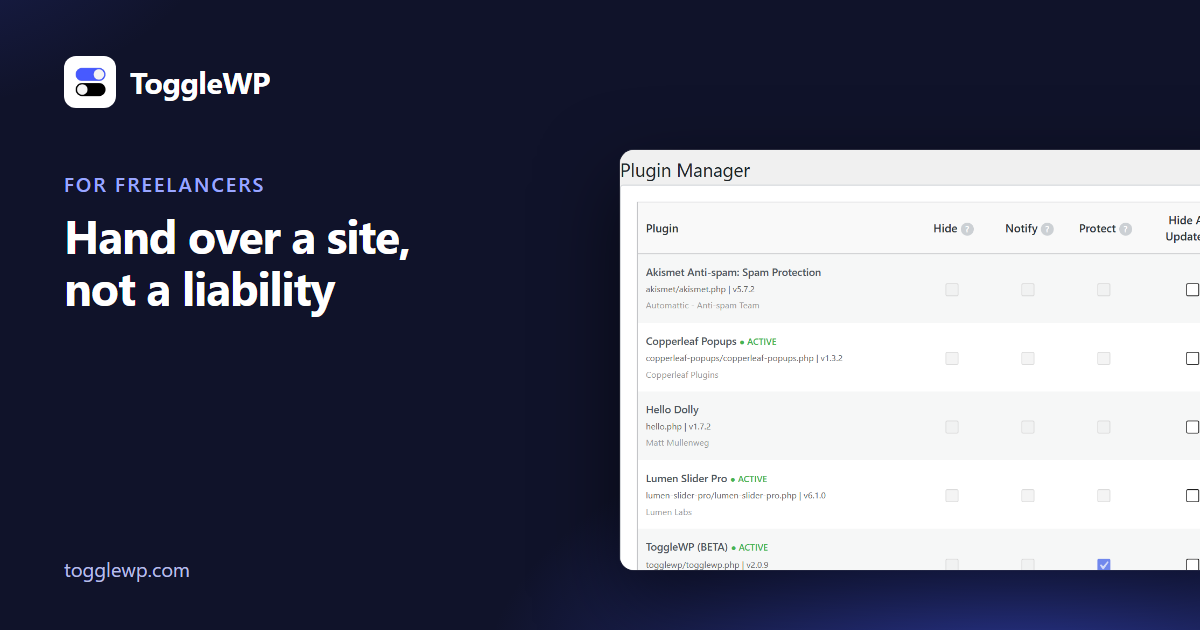
- Plugin notes. Add a one-line reason to each protected plugin. Admins see it on the Plugins screen, so “why can’t I turn this off?” answers itself.
- Editor plus Temporary Admin. Make the client an Editor for daily work, with Temporary Admin for the moments they need more.
- Alerts that go to the right person. Login alerts and Settings Change Alerts, sent to the client, to you, or both.
- Renewal reminders. Load every licence into Reminders before you go, so the client isn’t surprised by a charge.
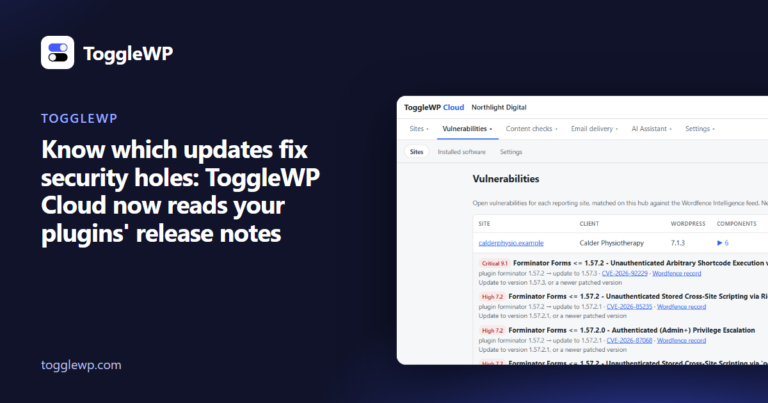
- Update protection. If the client isn’t taking a care plan, a single site plan gives them hourly security update checks, release-note alerts and Update Guard.
Decide who’s the site admin
Site Lockdown follows the WordPress Administration Email Address. Whoever’s account uses that email can manage the lockdown. If you’re still looking after the site, that might be you. If you’re stepping back, change it to the client’s address as part of the handover, and tell them what it means.
Explain it in writing
Send the client Your site’s been handed over. Here’s what the safeguards are for. and the handover checklist. They explain each safeguard from the owner’s side, so you don’t have to write it yourself.
Why it’s good for you too
Fewer “it’s broken” calls you can’t bill for. A client who trusts you to come back for the next job. And if you offer care plans, the safeguards are a strong reason to stay on one.